It’s a lot easier to use AI to create a simple web app and put it online than I expected.
A while back I went looking for an online tool to convert images to RGB565 for use with Arduino displays. The ones I found were covered in ads, and some didn’t exactly inspire confidence in the safety of my PC. I wondered if Claude AI could instead generate a tool as a single HTML file that I could download and run locally in my browser.
It could, and I wrote about that experiment in an earlier blog post. I then discovered that I could also host the resulting page online for free using GitHub Pages.
Since then, I’ve worked with Claude to generate a few more simple web tools and experiments.
- Example RGB565 Colours for Arduino
- Image to RGB565 Array Converter for Arduino
- Inscribed polygon calculator
- AI generated text adventure – The Hollow Keep
Generating a file
I’ve been using Claude AI to generate the files above. For example the Inscribed polygon calculator was built because I wanted to create a timber tube from flat timber and wanted to know how wide the sides needed to be and the angles cut to get a tube of a desired size.
I started off by asking Claude AI, “How do I calculate the length of the side of a hexagon that fits inside of a circle. Also how to calculate the distance between two opposing sides.“
It was after this I decided to see if Claude could generate a page for this, so asked, “Can you create a web page that I can download that allows a user to set a circles diameter and a shape with 3, 4, 5, 6, 7 or 8 sides. The page calculates the length of the sides and for even number of sides . For odd number of sides calculate the distance from the middle of one side to the opposite corner. Confirm requirements before proceeding.“
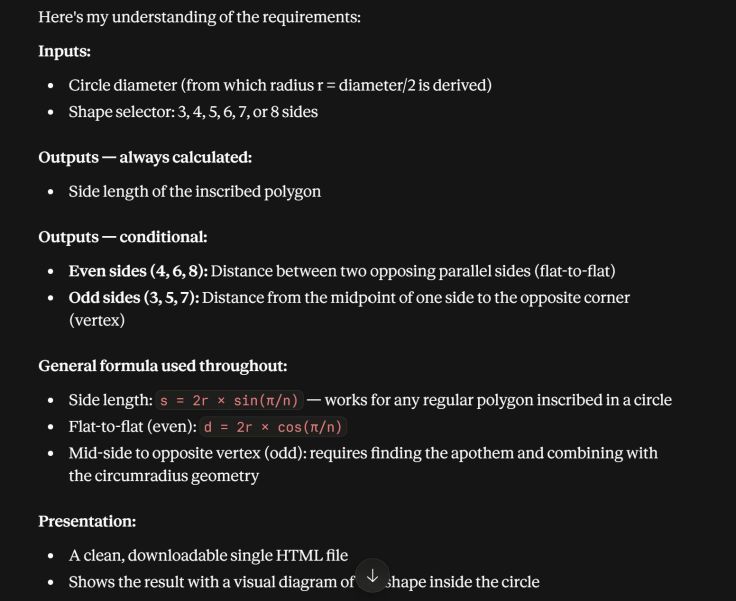
It generated a page, but I wanted some improvements and asked, “Can you change the selection of ‘number of sides’ to be a dropdown list with numbers 3 to 50. Can you also add an option to enter the side length or the circle diameter. If the side length is entered the circle diameter is calculated.“
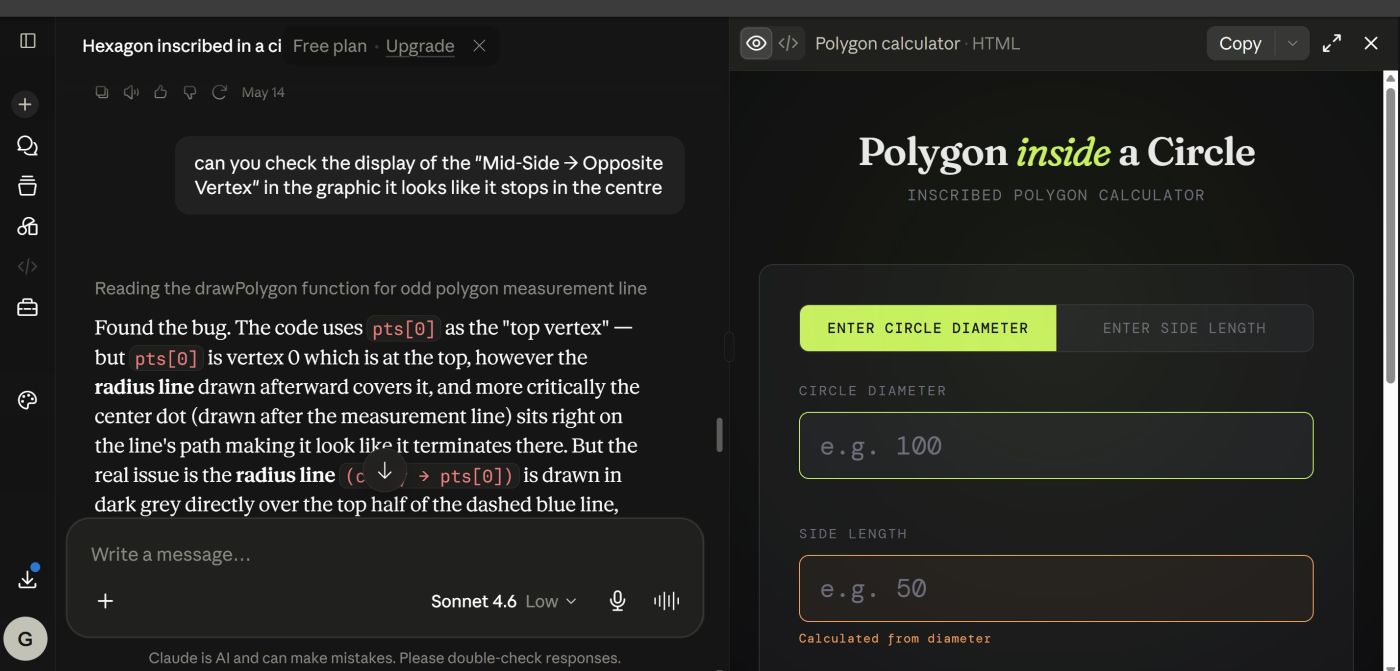
I found a display bug and asked it to fix it.
Viewing the file
One of the nice things about these simple tools is that the HTML, CSS and JavaScript can all be contained in a single file. There’s no database or server-side software involved. The browser does all the work, which is why I can simply double-click the downloaded file to run it locally.
Claude usually displays the file in a pane on the right hand side, however, sometimes I have found that it does not display or run correctly on my PC. There is an option to download the file, so that is what I do. Simply double clicking on the file will open it in a browser and you can view and test it there.
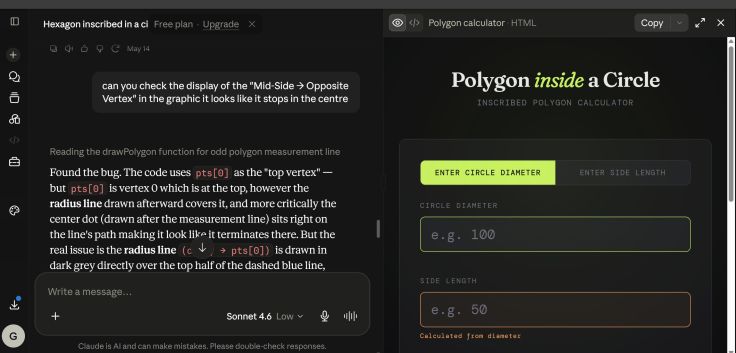
Here are a couple of shots of the final page.


Hosting the file online
Storing and running the file on your PC may be all you want, but I wanted to see if I could make it available to everyone online. Some hosting services restrict JavaScript or make uploading a standalone HTML application more complicated. GitHub Pages turned out to be a particularly simple option for what I wanted to do.
GitHub and GitHub Pages
I use GitHub to share Arduino projects. I found it has a feature called GitHub Pages. It is a free web hosting service provided by GitHub that lets you publish pages directly from a GitHub repository. Importantly, pages can include JavaScript.
GitHub Pages is available in public repositories even with a free GitHub account. GitHub Pages can be used to showcase open source projects, host a blog, or even share résumés.
What you can host
GitHub Pages can be used for static websites that include: HTML, CSS, JavaScript, Images and other static assets
Setting it up
There are instructions here Quickstart for GitHub Pages and a more detailed version here Creating a GitHub Pages site.
Editing content
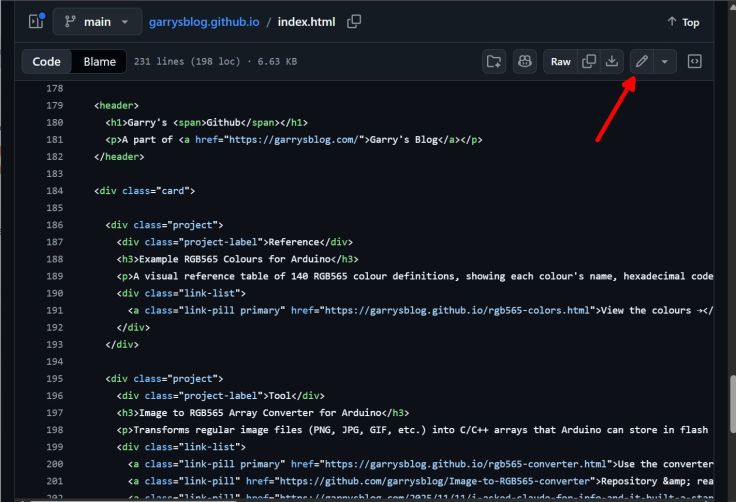
There isn’t a built-in pretty HTML editor, instead you just get a text editor to edit the files directly.
A main index page
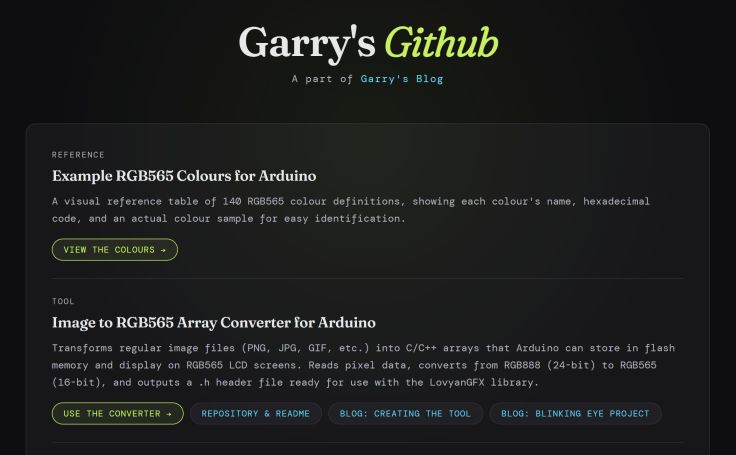
A main index page isn’t strictly necessary, but it creates a place to tie all your pages together. My main index page is called index.html and automatically loads when accessing https://garrysblog.github.io/. I created basic content for the index page, but it looked a bit boring so I asked Claude to improve it. It created the styles that I’m now using.
I’ve found that changes usually appear within a few seconds, although occasionally they can take a little longer to see them when you view it as a web page.
It is not necessary to have other pages in the repository linked to the index page. They can be accessed directly from their own URL in the format https://yourusername.github.io/yourpage.html. For example, The Hollow Keep text adventure I have is in a file called text-adventure.html so to access it directly go to https://garrysblog.github.io/text-adventure.html
Viewing the contents of the repository and files
The contents of the GitHub pages are public and so can be viewed by anyone in the same way as any other of your public repositories. My pages repository is available here https://github.com/garrysblog/garrysblog.github.io.

Clicking on any of the items will open the contents of that file. For example https://github.com/garrysblog/garrysblog.github.io/blob/main/text-adventure.html opens The Hollow Keep text adventure.
Final thoughts
What surprised me most about all this is how little web development knowledge was needed to get something useful online. I can describe the tool I want, try what Claude produces, point out what doesn’t work or what I’d like changed, and gradually arrive at something that does what I need.
The resulting page can be just a single HTML file, so I can keep it on my PC and run it locally, or put exactly the same file on GitHub Pages and make it available to anyone.
AI doesn’t always get everything right. I’ve already had to find a few bugs and ask Claude to fix them, so I wouldn’t assume that something works correctly just because the AI says it does. Testing the result is still important.
For little calculators, converters and experiments like these, I’ve found the combination of AI and GitHub Pages surprisingly useful. More importantly, it has made me start thinking, “Could I make a little web page to do that?”


Leave a Reply