
I found this external computer power switch on AliExpress. It is designed to connect to the power button headers and power LED headers on a PC motherboard allowing the computer to be turned on from a more convenient location that having to reach down under a desk. I thought I would give it a go. I use a laptop, so I got one for my wife’s PC.

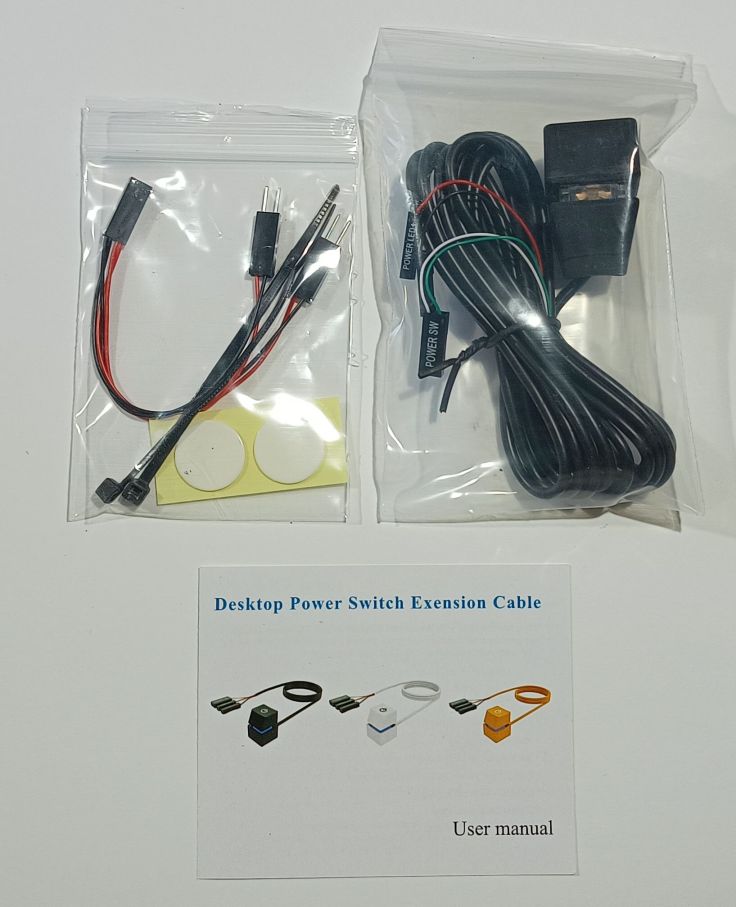
This is what came in the package
This is a close up of the switch. Its size is about the same as a keyboard button found on a gaming keyboard.
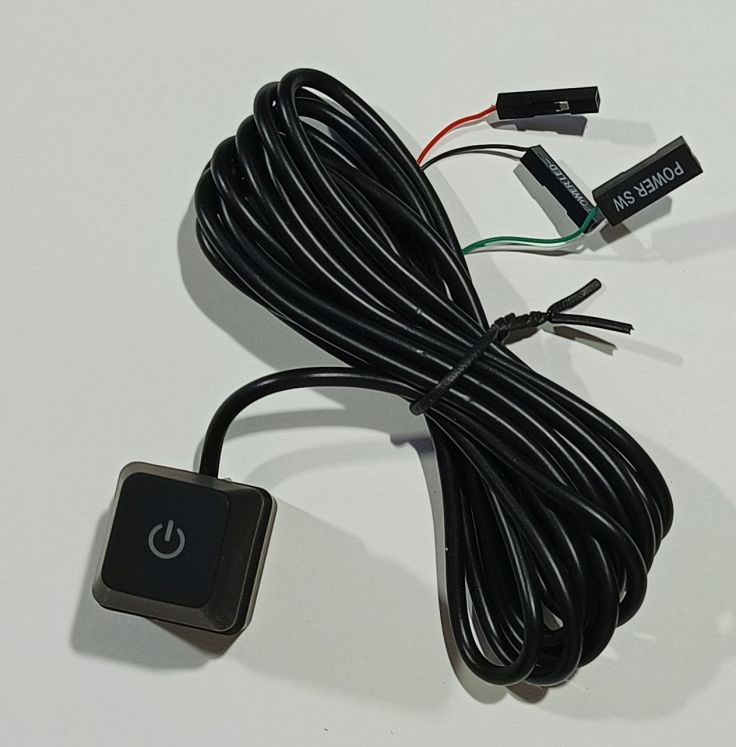
It comes with a splitter cable so that both the PC case button and the external one can be connected in parallel allowing both to continue to work. The LED does replace the LED in the case so only the one in the external button works.
These are the instructions that come with the switch.
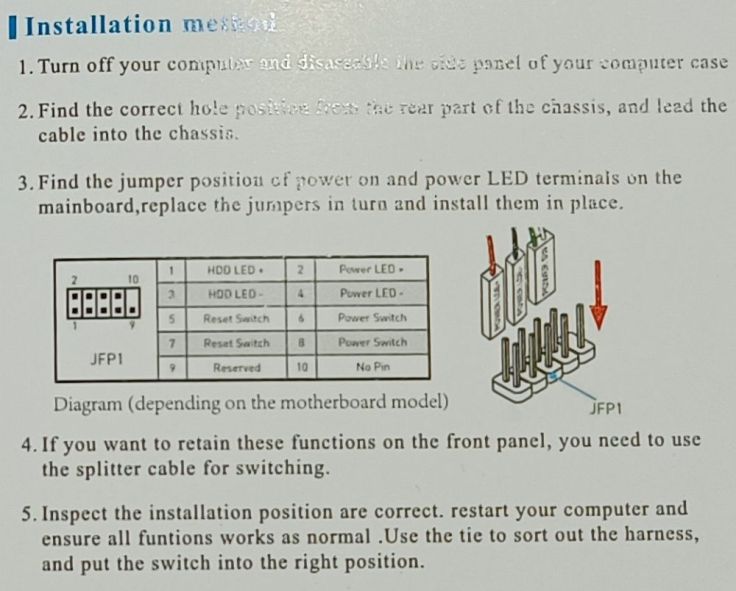
I opened up the case and found the connectors on the motherboard that ran to both the front panel power switch and the power LED. I removed the power switch connectors and connected the Y cable into the pins on the motherboard. The original power button was connected to one of the Y connectors and the new switch to the other Y connectors. With this setup it doesn’t matter which power button is pushed it will turn the computer on.
There wasn’t a Y connector for the power LED, so a choice was to be made whether to continue to use the original LED on the case or use the one in the new button. The one in the new button looks much better with it’s colour changing LED. It must be a gamming button 🙂 I removed the connectors from the motherboard to the case LED noting the + and – connections. It’s important to get these around the correct way or the LED will not work. Then I connected the LED wires for the new button onto the motherboard.
This is how it looks set up. It didn’t want to stay in place, so I added a small blob of blu tack under it which works well.
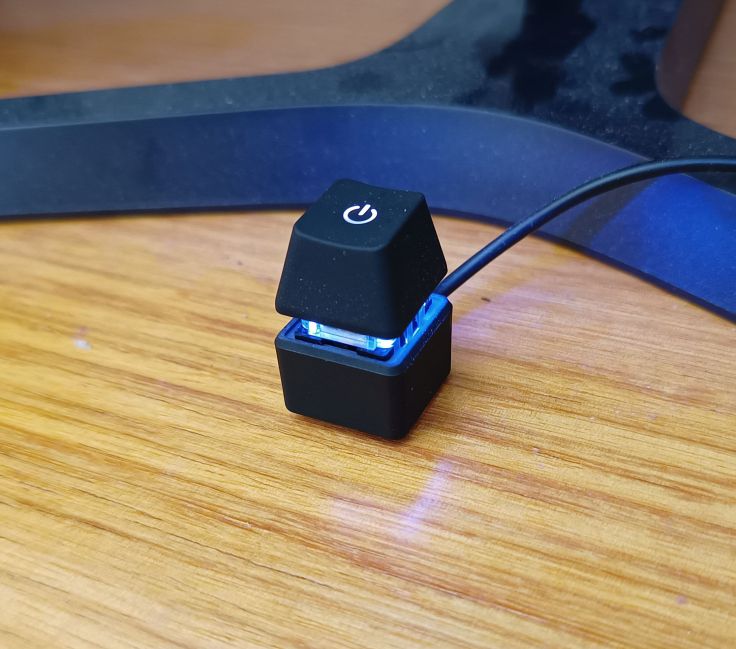
It looks better than I expected, and my wife really likes it. Ideally, I would have liked a plug and socket for it that could have been mounted on the PC case rather than have the cable permanently attached through the case, but that is just a minor thing. The LED is a colour changing LED and it does look quite good.
I paid AU4.52, but you may find a better deal than that. There are a lot of sellers selling them so you may find a better deal. Just beware that others that I found didn’t include the splitter cable.
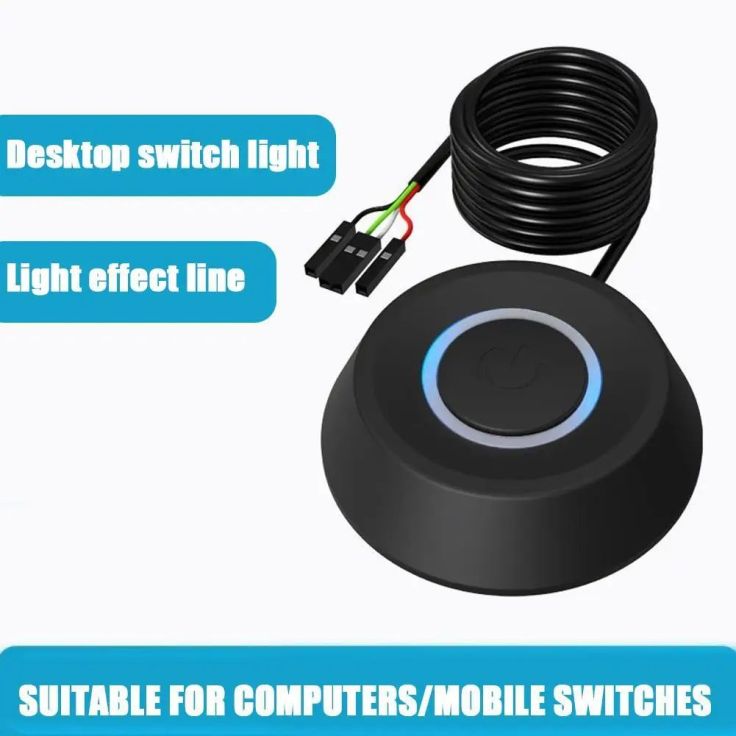
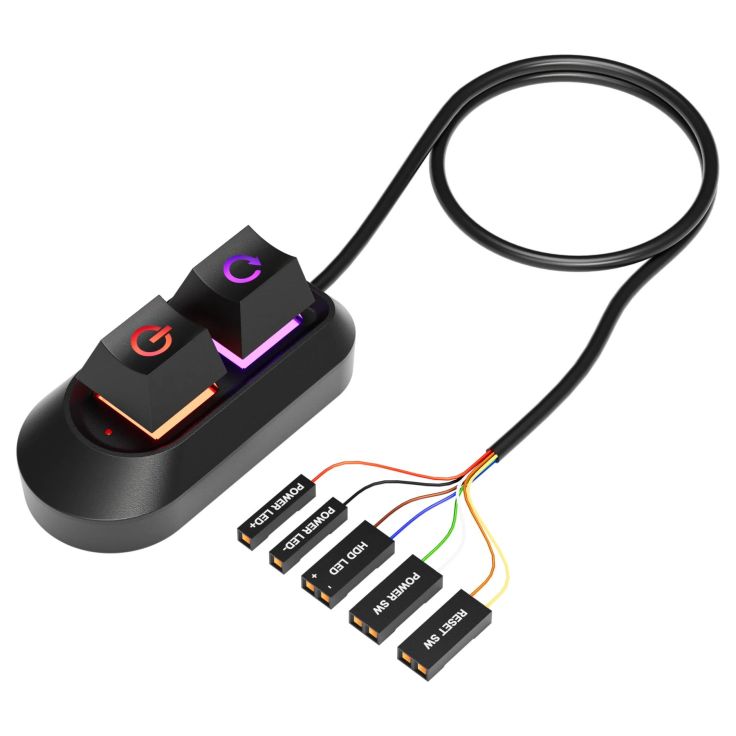
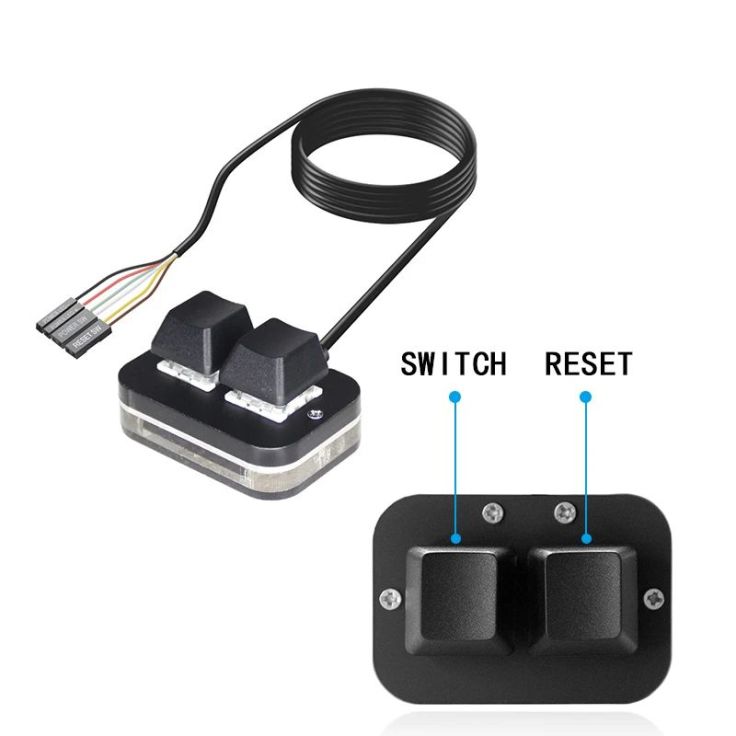
Since buying it I have seen other versions on AliExpress. Some have two buttons, the extra one for the reset switch. I don’t see much value in that, but others may.
This one has a single large button.
This one has two buttons.
This one also has two buttons.
I’ve thought about how one could be used in another project but haven’t come up with anything yet.
 Garry's blog
The article is called ADDI?G a switch all I see is the friggin switch how did you add it bnucko?
LikeLike
Well that was a bit crap of me. I’ve updated the article. I’ve changed the title, added some more info about connecting it and an image of the instructions.
LikeLike